Blog
Leveling Up Your AI Agent Like a Diablo II Character
AI agents get powerful the same way Diablo II characters do: through a build, better gear, and a lot of hands-on iteration. Here's how skills and MCP tools turn a generic agent into something that actually fits your workflow.
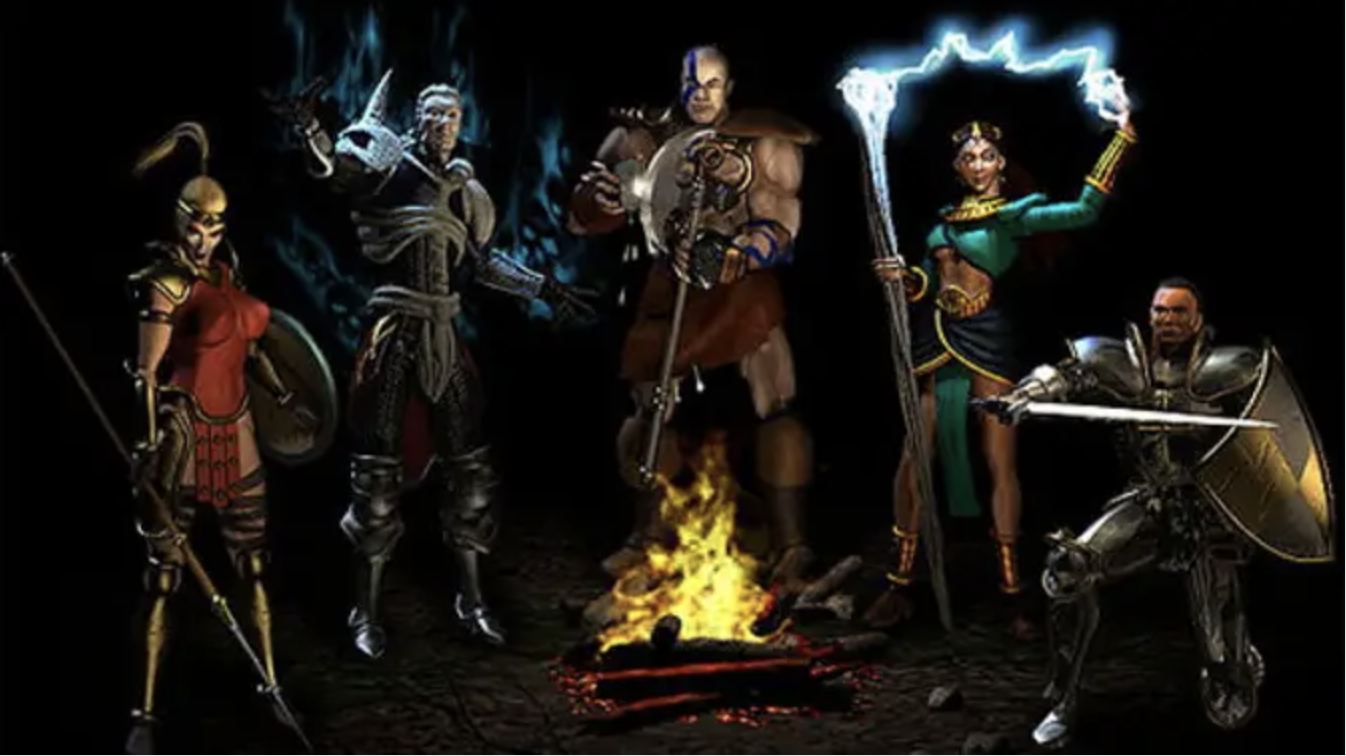
I'm pretty sure there's a real overlap between people using AI agents seriously and people who spent a lot of time in RPGs like Diablo II years ago. A good AI agent doesn't feel like a chatbot. It feels like a character build.
Using an AI agent well isn't just asking for answers. The real value shows up when you build around it: instructions, reusable skills, tool access, guardrails, and patterns that match how you work. That's the difference between a fresh character walking out of the Rogue Encampment and one that can actually clear content.
The Core Idea
At first, an agent is useful but generic. It can help with writing, answer questions, and take a first pass at a task. That's not nothing, but it isn't a build yet. A build starts when you make deliberate choices that compound over time.
A strong AI agent isn't one good prompt. It's a stack of choices that makes the agent more reliable, more capable, and more aligned to your workflow.
Skills Are Your Character Build
In Diablo II, the first few skill points don't look impressive. They're early investments that unlock a path. AI agent skills work the same way. A skill is just a repeatable behavior you want the agent to apply consistently.
At first that might be simple: use a certain format for a GitHub issue, review pull requests with specific checks, or break a feature request into frontend, backend, database, and test work. Small skill, small gain. But those gains stack.
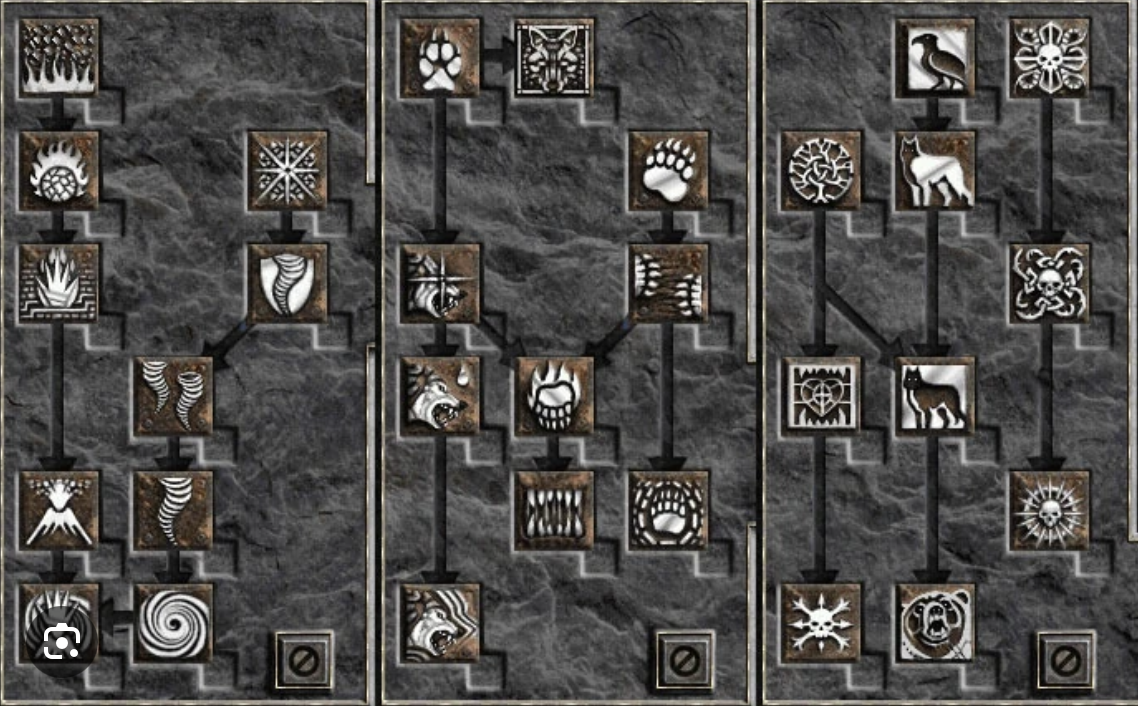
Here's the kind of low-level skill that doesn't look flashy, but immediately makes an agent more useful.
# Skill: Create a Feature Plan

## When to use this
Use this skill when I ask you to plan a new software feature.

## Instructions
1. Summarize the feature in plain English.
2. Identify the frontend changes.
3. Identify the backend/API changes.
4. Identify database changes.
5. List risks or unknowns.
6. Propose test cases.

## Output format
- Feature summary
- Technical plan
- Files likely involved
- Risks
- Test cases
That isn't magical. It's not supposed to be magical. It's useful because it removes re-explanation. It gives the agent a stable pattern. It gives you a known behavior you can rely on. That's your first real skill point.
Then you wire the skill into your agent configuration so you can call it naturally instead of rebuilding the context every time.
{
  "skills": [
    {
      "name": "create-feature-plan",
      "path": "./skills/create-feature-plan.md",
      "description": "Plans a software feature across frontend, backend, database, risks, and tests."
    }
  ]
}
Once that's in place, you can ask for the behavior directly: use the `create-feature-plan` skill for adding customer notes to the CRM. That doesn't just save time. It sharpens the agent's identity.
MCP Tools Are Better Gear
In Diablo II, skills matter, but gear changes the character. A Sorceress with weak gear can still teleport and cast. A Sorceress with the right setup becomes faster, safer, and much more effective. AI agents work the same way. Skills change how the agent thinks. Tools change what it can actually do.
That's why MCP tools matter so much. Without tools, the agent can advise. With tools, it can operate inside your workflow.
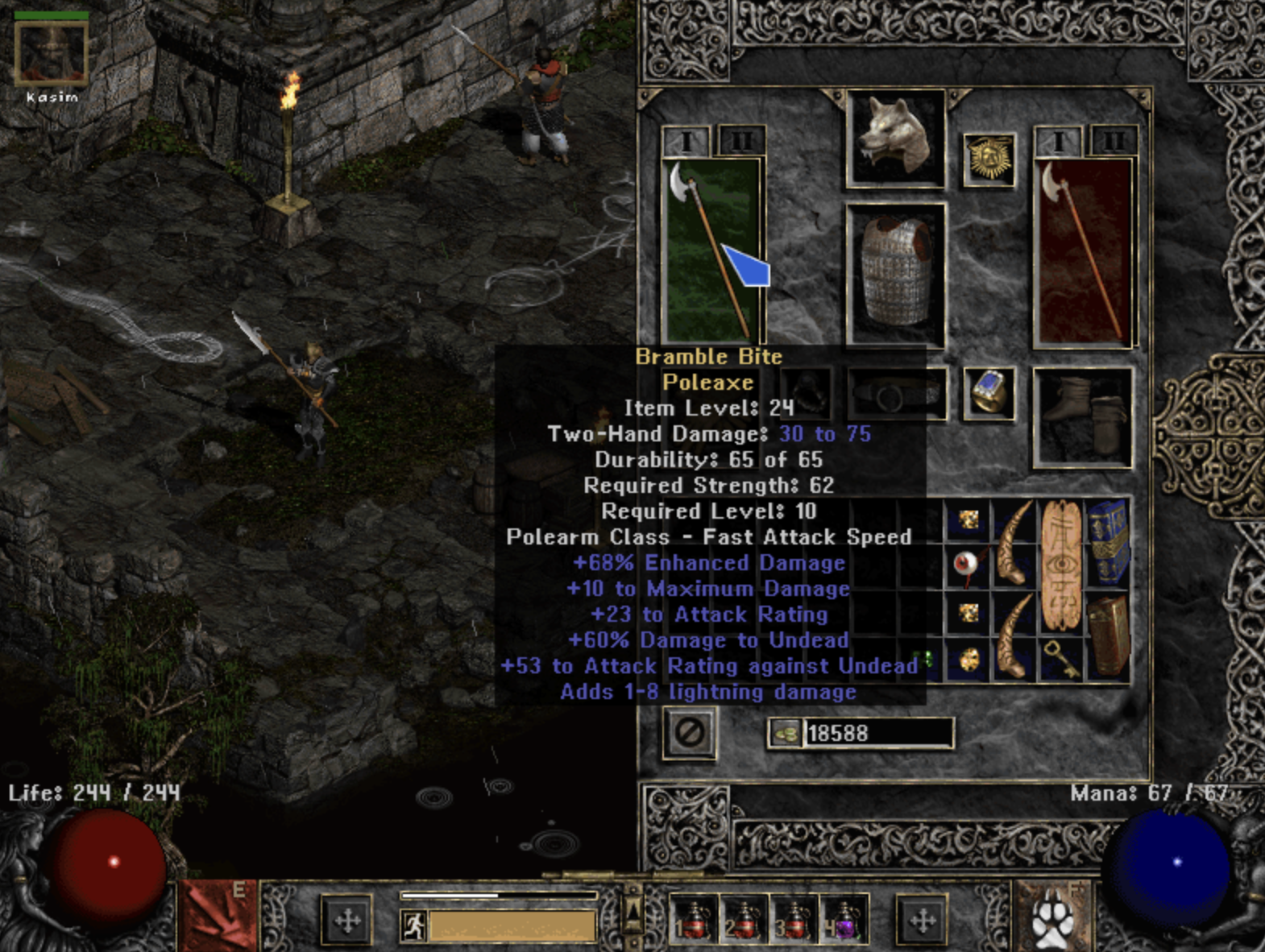
A simple example: your agent can help write task descriptions for a Kanban board with no tool access. That's fine. But if you give it a tool that can create, move, and remove tasks, now it isn't just making suggestions. It's taking action.
{
  "mcpServers": {
    "kanban": {
      "command": "node",
      "args": ["./mcp/kanban-server.js"],
      "env": {
        "KANBAN_API_URL": "https://api.example.com",
        "KANBAN_API_KEY": "${KANBAN_API_KEY}"
      }
    }
  }
}
Then the skill on top of that tool tells the agent when to use it and how careful to be.
# Skill: Manage Kanban Tasks

## When to use this
Use this skill when I ask you to add, update, move, or remove work items from the project Kanban board.

## Rules
- Always confirm the task title before creating a new task.
- Use concise task names.
- Include acceptance criteria when creating feature work.
- Don't delete a task unless I explicitly say to remove or delete it.
- When removing a task, summarize what was removed.

## Available tools
- kanban.addTask
- kanban.removeTask
- kanban.moveTask
- kanban.listTasks
And below that, the implementation is just code. Not mystery. Not magic. A normal tool server that wraps your real system.
import { McpServer } from "@modelcontextprotocol/sdk/server/mcp.js";
import { StdioServerTransport } from "@modelcontextprotocol/sdk/server/stdio.js";
import { z } from "zod";

const server = new McpServer({
  name: "kanban",
  version: "1.0.0"
});

const apiUrl = process.env.KANBAN_API_URL;
const apiKey = process.env.KANBAN_API_KEY;

async function callKanbanApi(path, method, body) {
  const response = await fetch(`${apiUrl}${path}`, {
    method,
    headers: {
      "Content-Type": "application/json",
      "Authorization": `Bearer ${apiKey}`
    },
    body: body ? JSON.stringify(body) : undefined
  });

  if (!response.ok) {
    throw new Error(`Kanban API error: ${response.status}`);
  }

  return response.json();
}

server.tool(
  "addTask",
  {
    title: z.string(),
    description: z.string(),
    status: z.string().default("Backlog"),
    acceptanceCriteria: z.array(z.string()).optional()
  },
  async ({ title, description, status, acceptanceCriteria }) => {
    const task = await callKanbanApi("/tasks", "POST", {
      title,
      description,
      status,
      acceptanceCriteria
    });

    return {
      content: [
        {
          type: "text",
          text: `Created task: ${task.title}`
        }
      ]
    };
  }
);
That code matters because it shows the real dividing line. Prompting alone doesn't turn an agent into an operator. Tool access does. That's the gear upgrade.
Why the Grind Matters
This is the part where the Diablo II analogy really holds up. You could buy a high-level character with strong gear. People always did. The character would be objectively stronger than the one you just started. But you wouldn't really know the build.
You wouldn't know why that gear mattered. You wouldn't know what the weak spots were. You wouldn't know which decisions were foundational and which ones were just nice to have. You'd have power, but not ownership.
AI agents are the same way. Someone can hand you a folder full of prompts, skills, MCP servers, and governance docs. Some of it may be excellent. But if you didn't build it, break it, fix it, and refine it around your own work, you won't get the full value out of it.
The grind teaches you what your agent actually needs. It teaches you when a skill is too vague, when a tool is too risky, when a workflow needs confirmation steps, and when your own instructions are creating ambiguity instead of reducing it.
The Best Agent Build Matches the Player
A generic agent is useful. A customized agent is where things get serious. If you're a developer, maybe that means repo search, GitHub actions, database awareness, and deployment context. If you run a business, maybe it means CRM tools, proposal templates, invoice rules, and customer follow-up workflows. If you manage projects, maybe it means Kanban, meeting summaries, and action extraction.
Developers usually need repo search, code review habits, schema awareness, and deployment context.
Operators usually need system access patterns, runbooks, safe automation boundaries, and log-driven troubleshooting.
Business workflows usually need CRM context, proposal logic, invoice handling, and reliable follow-up tasks.
The temptation with AI is to skip straight to the end. Download somebody else's prompts. Copy somebody else's tools. Import somebody else's workflow. Some of that is smart. Reuse is good. But if you skip the grind completely, you miss the part where the build becomes yours.
What To Do Next
Start with one recurring task you repeat every week.
Turn that task into a written skill with explicit output expectations.
Add a tool only when you know exactly what action the agent should be allowed to take.
Keep the first tool narrow and reversible.
Iterate until the behavior feels boringly reliable.
That's the real progression loop. Skills first. Then tools. Then better judgment. Then stronger composition. That's how an agent stops being a demo and starts becoming infrastructure.
I've been thinking about this idea a lot: AI agents, skills, tools, progression, and ownership. If you liked Diablo II and you like using AI agents, I think you're going to like where this goes next. I've got an upcoming project that pushes this analogy into something much more literal.
Stay tuned. And if you're building practical AI workflows for a software team or business process, DK Logics can help you turn scattered prompts into a real agent build with the right skills, tool access, and guardrails.